Texas is one of the most demanding places in the country to run commercial vehicles. A single route can take a driver from heavy Houston traffic to long, open highways, through busy construction zones, and into rural areas where help is miles away. Whether you manage long-haul trucks or a team of HVAC, plumbing, or electrical technicians, the question is the same: when something happens on the road, do you know exactly what happened, where, and why?
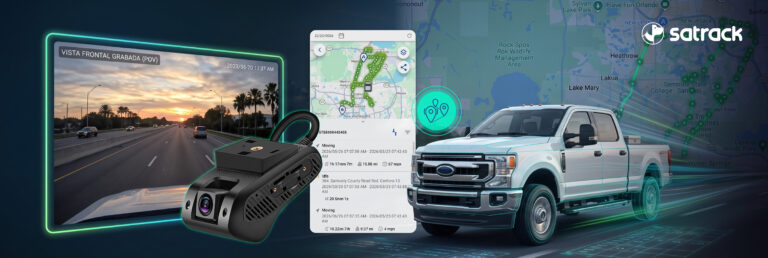
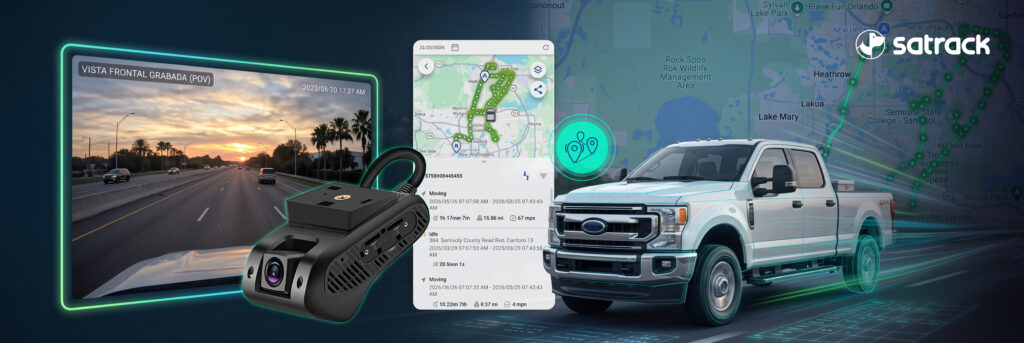
Combining GPS tracking with dash cams gives you that answer. GPS shows where your vehicles are and how they are being driven. Dash cams show what the driver saw. Together, they help you protect your drivers, your customers, and your business.
Why Texas Roads Call for More Than GPS Alone
GPS tracking has long been the foundation of fleet visibility. It tells you location, speed, idle time, and route history. But location data alone can’t always explain an incident. If a truck brakes hard on a highway in West Texas, GPS records the event. A dash cam shows whether another vehicle cut in, whether there was debris on the road, or whether the driver was following too closely.
That context matters in Texas, where long distances, heavy freight corridors, fast-growing metro areas like Dallas–Fort Worth and San Antonio, and weather that ranges from flash floods to extreme summer heat create constant variables. Video turns a data point into a clear story.
What GPS and Dash Cam Integration Actually Does
Location context for every video event
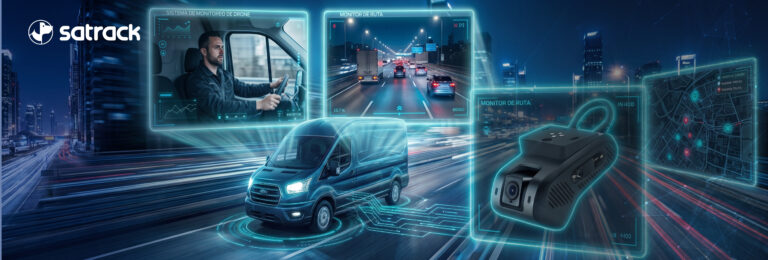
When video and GPS work in the same platform, every clip is tied to a time, a place, a speed, and a vehicle. Managers don’t have to match footage to a map manually; the event is already on the timeline.
Road-facing and driver-facing cameras
Road-facing cameras record what happens in front of the vehicle. Driver-facing cameras, where your policy allows them, can help identify distraction or fatigue. Many operations start with road-facing cameras and add the in-cab view as their safety program matures.
Event-triggered alerts
Harsh braking, sharp turns, collisions, and speeding can trigger a clip automatically. Instead of reviewing hours of footage, your team reviews the moments that matter.
Trucking in Texas: Protecting Long-Haul Drivers and Cargo
For carriers moving freight to the border at Laredo, the Permian Basin, or the Gulf Coast ports, a dash cam paired with GPS is one of the most practical tools for protecting professional drivers.
Video evidence when claims are disputed
When an accident involves a commercial truck, the truck is often assumed to be at fault. Texas has seen high-profile litigation against trucking companies, and without evidence, it can come down to one party’s word against another’s. Clear video with GPS data can show what actually happened and help exonerate a driver who did nothing wrong. It also helps you respond faster to insurance providers and legal counsel.
Coaching that improves driving habits
Video isn’t only for the worst days. Reviewing real clips with drivers, such as a close following distance, a rolling stop, or a well-handled emergency maneuver, makes coaching specific and fair. Recognizing good driving is just as important as correcting risky behavior.
GPS and video also complement the tools you already rely on, such as your TMS and dispatch software. With API integration, location and event data can flow into the systems your dispatch and safety teams use every day.
Field Services: Protecting Technicians and Customer Trust
Field service vehicles face different risks than long-haul trucks, but the stakes are just as real. HVAC, plumbing, electrical, telecom, security, utility, pest control, and landscaping technicians spend their days on residential streets, in parking lots, and at job sites across Houston, Austin, and every Texas metro in between.
A dash cam with GPS helps field service companies:
- Verify arrival and departure times when a customer questions a visit.
- Review incidents such as minor collisions or property damage claims in residential areas.
- Protect technicians from false accusations.
- Encourage safer driving between back-to-back appointments, when the temptation to rush is highest.
For companies whose brand is on the side of every van, safe driving is also a reputation issue. Customers notice how your vehicles are driven.
Privacy, Compliance, and Driver Buy-In
A video program works best when drivers see it as protection, not surveillance. Be transparent: explain what is recorded, when, who can review it, and how it will be used. Put it in a written policy and share it before installation.
A few points to review with your legal and HR teams:
- Audio recording: Texas generally follows a one-party consent rule, but if your vehicles cross state lines, other states may have stricter requirements.
- Windshield mounting: federal and state rules limit where devices can be mounted on a commercial vehicle’s windshield. Make sure installation follows those requirements.
- Data retention: define how long footage is stored and who has access to it.
Why Real Human Support Matters in a Video Program
Cameras generate information, but people make the decisions. Many platforms leave you alone with a dashboard and an automated help center. Satrack offers real human support: people who help you configure alerts, interpret events, and adjust your program as your operation grows. When an incident happens and you need answers fast, talking to a real person can make all the difference.
How to Get Started in Texas
- Identify your highest-risk routes and vehicles.
- Choose the right camera setup: road-facing, driver-facing, or dual-facing.
- Define your policy and communicate it to your drivers.
- Connect GPS, video, and your existing systems through API integration.
- Review events every week and use them for coaching.
Texas roads won’t get any simpler. With GPS and dash cams working together, you can protect your drivers, respond to incidents with facts, and keep your operation moving. Talk to Satrack to see how GPS tracking and video can work for your trucks and field service vehicles in Texas.
6. Frequently Asked Questions
Do dash cams help truck drivers after an accident?
Yes. A dash cam paired with GPS records what happened along with the vehicle’s location, speed, and time. That evidence can show when a driver was not at fault, help exonerate them, and speed up conversations with insurance providers and legal counsel.
What is the difference between a GPS tracker and a dash cam?
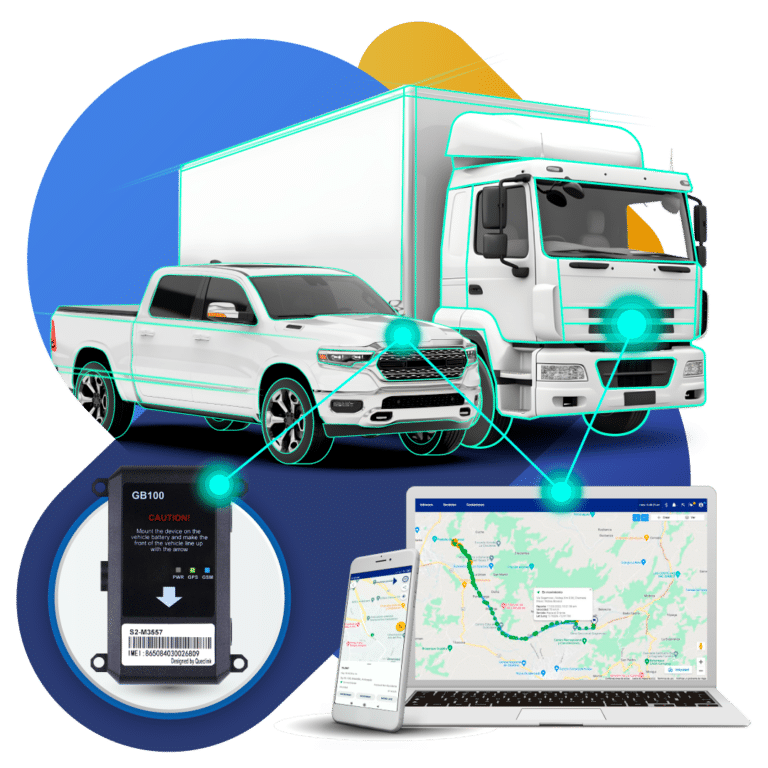
A GPS tracker records where a vehicle is, how fast it’s moving, and the route it took. A dash cam records video of the road or the cab. Used together, GPS provides the data and the dash cam provides the visual context behind each event.
Are dash cams legal in commercial vehicles in Texas?
Dash cams are commonly used in commercial vehicles in Texas. Mount them within the windshield areas allowed by federal and state rules, and review audio recording and in-cab camera policies with legal counsel, especially if your vehicles cross state lines.
Should I use driver-facing cameras in my trucks?
Driver-facing cameras can help identify distraction and fatigue, but they work best with a clear written policy and open communication. Many companies start with road-facing cameras and add driver-facing cameras once drivers understand how the footage is used.
Can dash cams help field service companies?
Yes. HVAC, plumbing, electrical, telecom, and other field service companies use dash cams with GPS to verify visit times, review incidents on residential streets, protect technicians from false claims, and encourage safer driving between appointments.